Configuration basics
There are two ways to configure the frame, and most of the time you’ll only need the first.
The admin interface
Section titled “The admin interface”Open the frame’s web interface (http://pictureframe-XXXX.local) and head to Settings.
Nearly everything lives here (the slideshow, the display, the photo library, weather, sensors,
Home Assistant, and updates), grouped into sections you expand as needed.
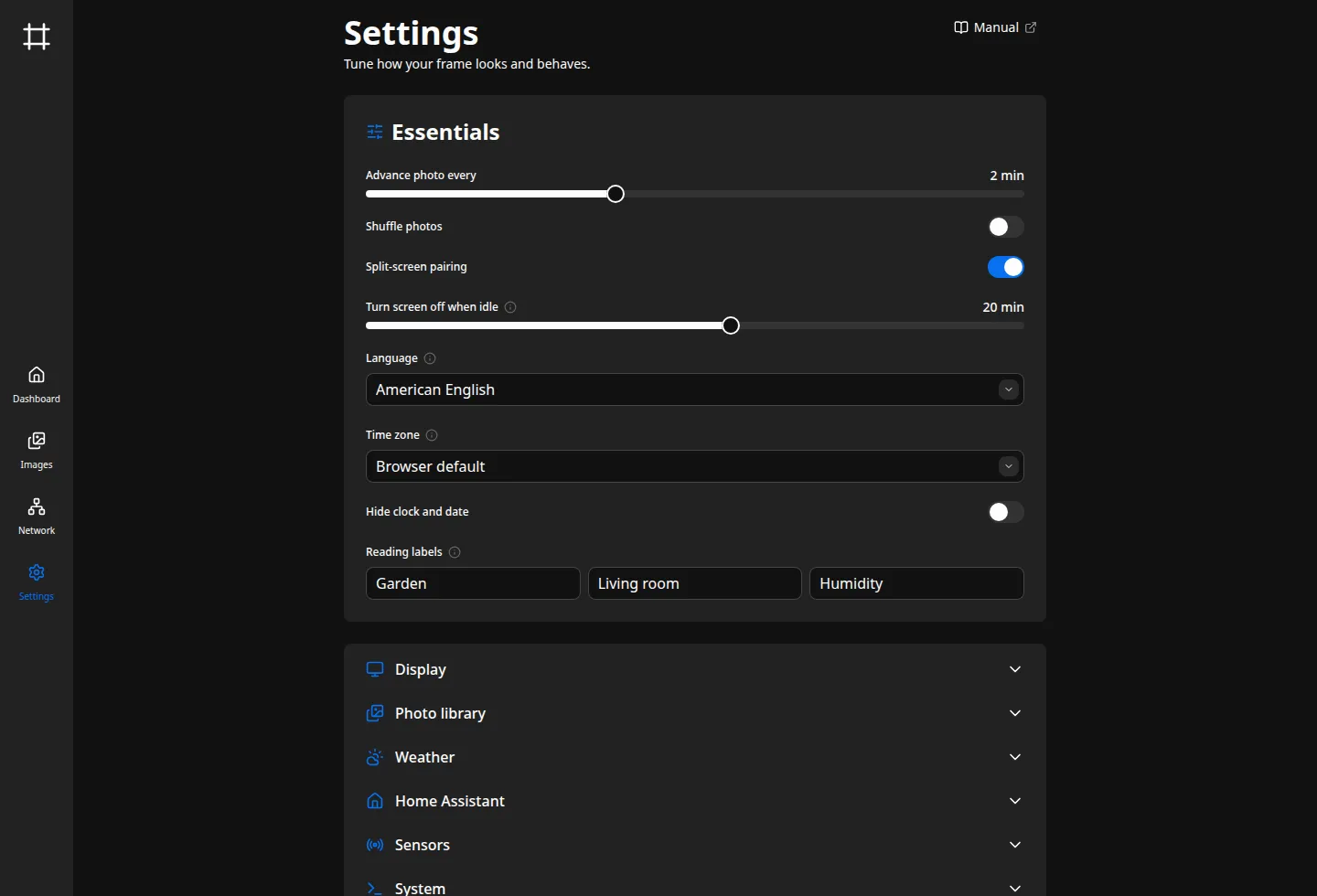
Edit a value and a save bar appears at the bottom. Most changes apply as soon as you save. A few need a quick restart of the frame itself (the program, not the whole Pi), which is covered below. The User Manual covers each section in turn, and the configuration reference documents every setting in detail.
The configuration files
Section titled “The configuration files”Behind the interface, configuration lives in two TOML files in the install
directory (by default ~/picture-frame/ for the user you installed as):
config.tomlis the base configuration. The installer writes it, and re-running the installer won’t overwrite it. Edit it by hand for low-level settings or to set your own starting point.runtime-overrides.tomlis where the admin interface saves your changes. At startup the frame readsconfig.toml, then layers the overrides on top, so anything you set through the interface takes precedence.
Most people only ever use the admin interface and never open either file.
If you do edit config.toml by hand, restart the service so the change is picked up:
sudo systemctl restart kiosk-backend.serviceWhen a restart is needed
Section titled “When a restart is needed”Most settings take effect as soon as you save them. A few (changing the display backend, or switching the photo library between local files and Immich) need a restart. The dashboard has a Restart button for exactly this. It restarts the program in place, without rebooting the Pi.
Setting the admin password
Section titled “Setting the admin password”If you didn’t set a password during install, add one from Settings → Security. It takes effect immediately, no restart needed. The same section lets you change or remove it later. The password is stored only as a salted hash, never in plain text.
You can also set it at install time with --app-password, or hash one yourself:
~/picture-frame/picture-frame -hash-passwordThis prints the hash to drop into config.toml under [auth] as password_hash.